
Complete White-Label VoIP Platform : Mobile Softphone, Softswitch & IPPBX Multi-Tenant System
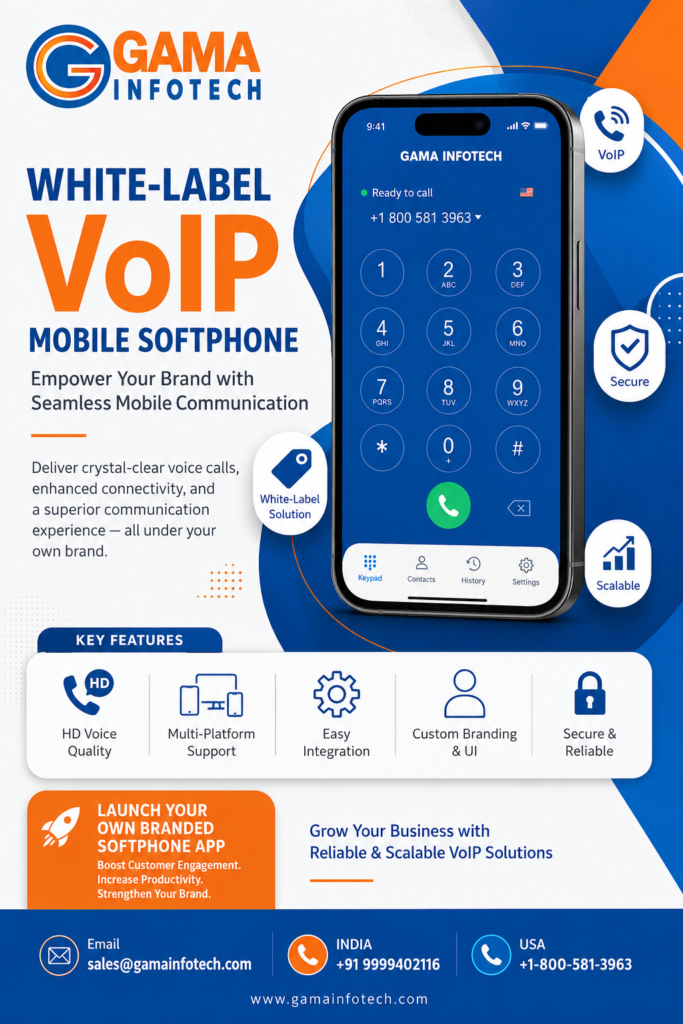
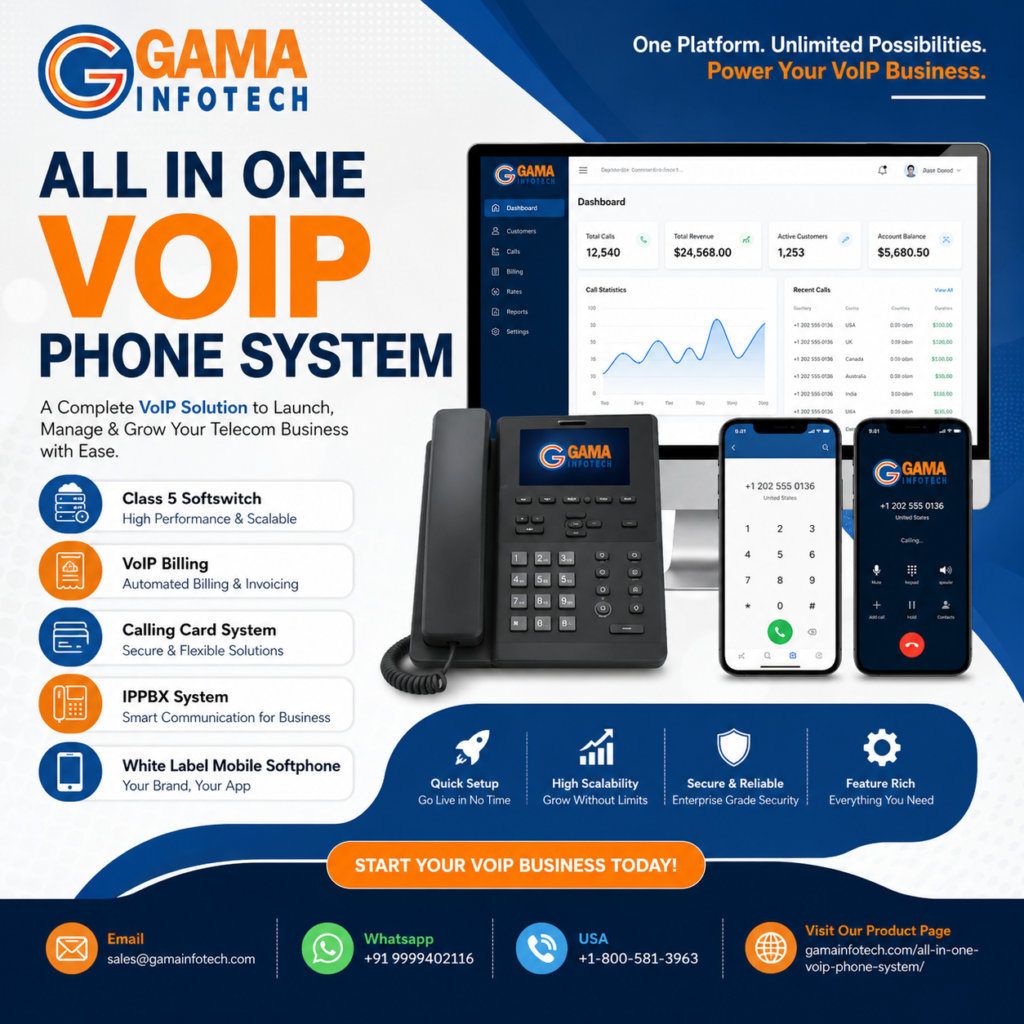
Build Your VoIP Business with a White-Label Platform Launching a VoIP service can involve more than providing calling features. Resellers and service providers also need a way to manage customers, configure communications, and present a consistent brand experience. A white-label VoIP platform can bring these capabilities together under your own business identity. Gama Infotech’s platform combines a mobile softphone, VoIP softswitch, and multi-tenant IPPBX system in one solution. It is designed for businesses looking to deliver communication services to multiple customers while managing their platform centrally. What Is a White-Label VoIP Platform? A white-label VoIP platform lets a provider offer communication services under its own brand, using a platform developed by a technology partner. Depending on the solution and configuration, this may include branded user applications, customer management tools, call-handling features, and administrative controls. For resellers and service providers, this model can help create a more consistent customer experience while providing a foundation for managing multiple business accounts. Key Components of the Gama Infotech VoIP Platform Mobile Softphone A mobile softphone allows users to make and receive calls through a supported app using an internet connection. It can help employees stay connected to their business communications when they are away from their desks, subject to the app’s supported features and configuration. A mobile softphone may be useful for: VoIP Softswitch A VoIP softswitch helps manage and route voice calls across a communications network. It can serve as an important part of the platform’s call-control infrastructure, supporting how calls move between users, services, and connected networks. For providers, a softswitch can form part of the technical foundation for delivering and managing VoIP services. The exact routing, capacity, and integration options depend on the selected deployment and configuration. Multi-Tenant IPPBX System A multi-tenant IPPBX enables a provider to manage multiple customer organizations on a shared platform. Each business can have its own users, extensions, and communication settings, while the provider oversees the system through centralized administration. This approach can help service providers organize customer environments and manage their services from a unified platform. Tenant separation, permissions, and available controls depend on the system configuration. Why Resellers Choose White-Label VoIP A white-label approach can help resellers and service providers build a communications offering around their own brand. Instead of developing every platform component independently, businesses can use an existing solution as the basis for their service. Potential benefits include: The available capabilities, integrations, and branding options should be confirmed with the provider before choosing a platform. Who Can Use a Multi-Tenant VoIP Platform? A platform that combines a mobile softphone, softswitch, and multi-tenant IPPBX may be relevant to: The right fit depends on your business model, customer requirements, expected usage, and technical needs. How to Evaluate a White-Label VoIP Solution Before selecting a platform, review how it aligns with your service plans. Consider asking the provider about: Getting clear answers can help you understand the platform’s capabilities and determine whether it suits your customers. A Platform for Branded VoIP Services For service providers and resellers, a white-label VoIP platform can provide a starting point for delivering communication services under their own brand. By bringing together a mobile softphone, VoIP softswitch, and multi-tenant IPPBX system, Gama Infotech offers a platform designed for providers managing multiple business customers. If you are exploring a branded VoIP service, contact Gama Infotech to discuss the platform’s features, customization options, deployment requirements, and suitability for your business. Frequently Asked Questions What is a white-label VoIP platform? A white-label VoIP platform allows a provider to offer VoIP services under its own brand using a platform supplied by a technology partner. What does a multi-tenant IPPBX do? A multi-tenant IPPBX supports the management of multiple customer organizations on one platform, with each customer’s configuration managed as a separate tenant. What is a mobile softphone? A mobile softphone is an app that can let users make and receive calls over an internet connection, depending on the app’s supported features and configuration. Who may benefit from a white-label VoIP solution? VoIP resellers, telecommunications providers, and service providers looking to offer branded communication services may find this type of platform relevant.