
Multi-Tenant PBX
Multi-Tenant PBX System – Cloud PBX for Resellers & Service Providers
Launch and scale your hosted communication business with Gama Infotech’s Multi-Tenant PBX System — a powerful cloud-based platform designed for telecom operators, resellers, and IT service providers. Seamlessly manage multiple clients, extensions, billing, and intelligent call routing from a single, secure infrastructure.
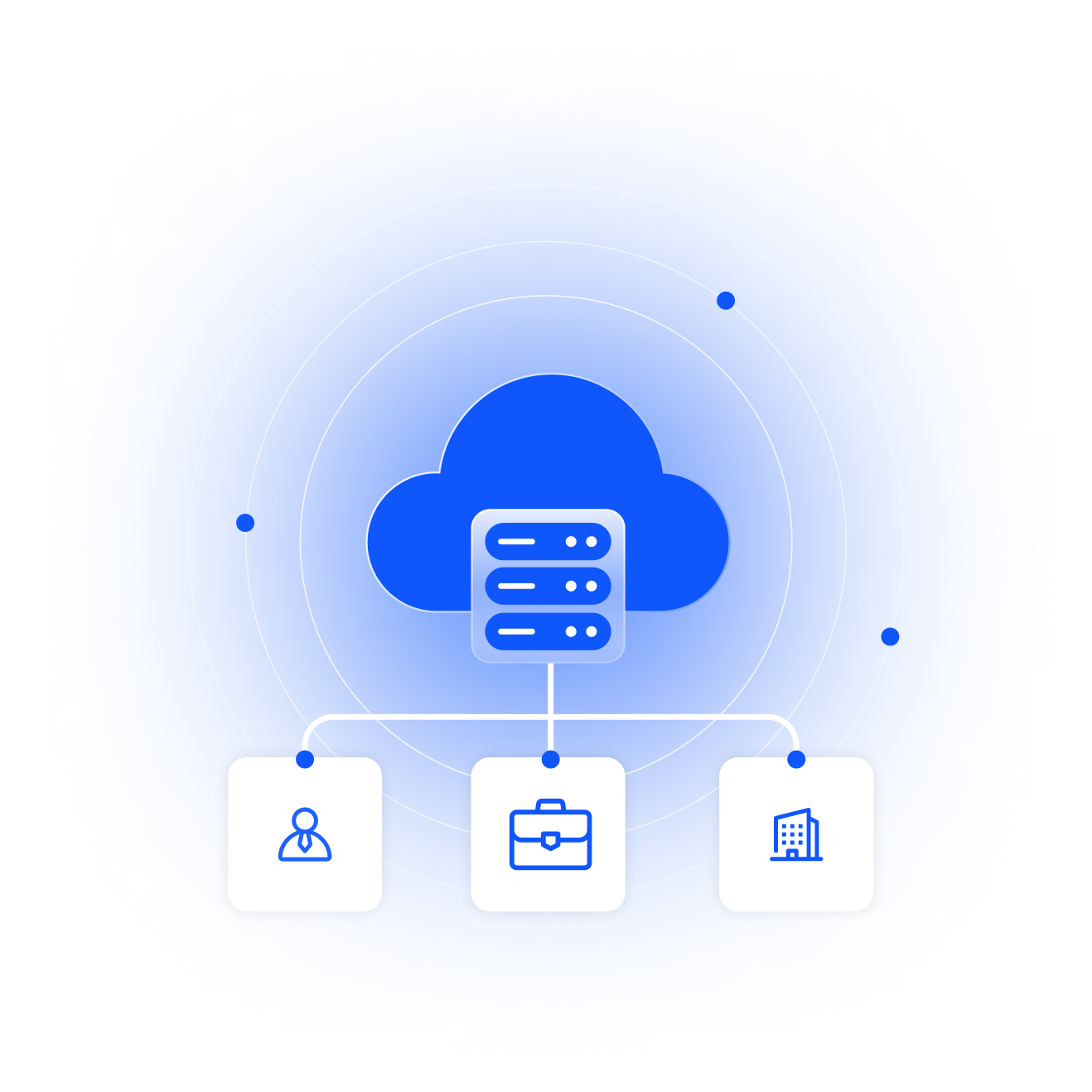
Gama Infotech’s Multi-Tenant PBX System is an advanced VoIP-powered communication platform built to support multiple independent clients (tenants) on a unified system. Each tenant operates within a fully isolated and secure environment while sharing the same robust infrastructure.
This architecture enables service providers to deliver customized PBX solutions under their own brand while benefiting from centralized control, reduced operational costs, and high scalability.

Key Features & Capabilities
Multi-Client Management on a Single Platform – Easily onboard and manage multiple corporate clients from one centralized dashboard. Each client gets a dedicated domain and complete control over their communication setup.
Dedicated Extensions for Every User – Assign unique extensions (e.g., 101, 102, 103…) to employees within each organization. Users can log in and access a unified directory of all internal extensions for seamless communication.
Work from Anywhere Connectivity – Make and receive calls on your business number from any location — office, home, or on the move — using internet-enabled devices.
Centralized Contact Directory – Employees can view and connect with all colleagues within their organization through a shared, real-time contact system.
Built-in Team Collaboration Tools – Communicate instantly with your team using the integrated chat feature — no need for third-party messaging apps.
Secure & Scalable Infrastructure – Built with enterprise-grade security and designed to scale as your business grows, ensuring reliable performance for all tenants.
Advanced Features of Gama Infotech's Multi-Tenant PBX System
Call Recordings
Time Condition
Call Queue
Voicemail
IVR
Call Forwarding
BLF
Ring Group
Feature Codes
Conference
Call Parking
Call Tracking
How It Works
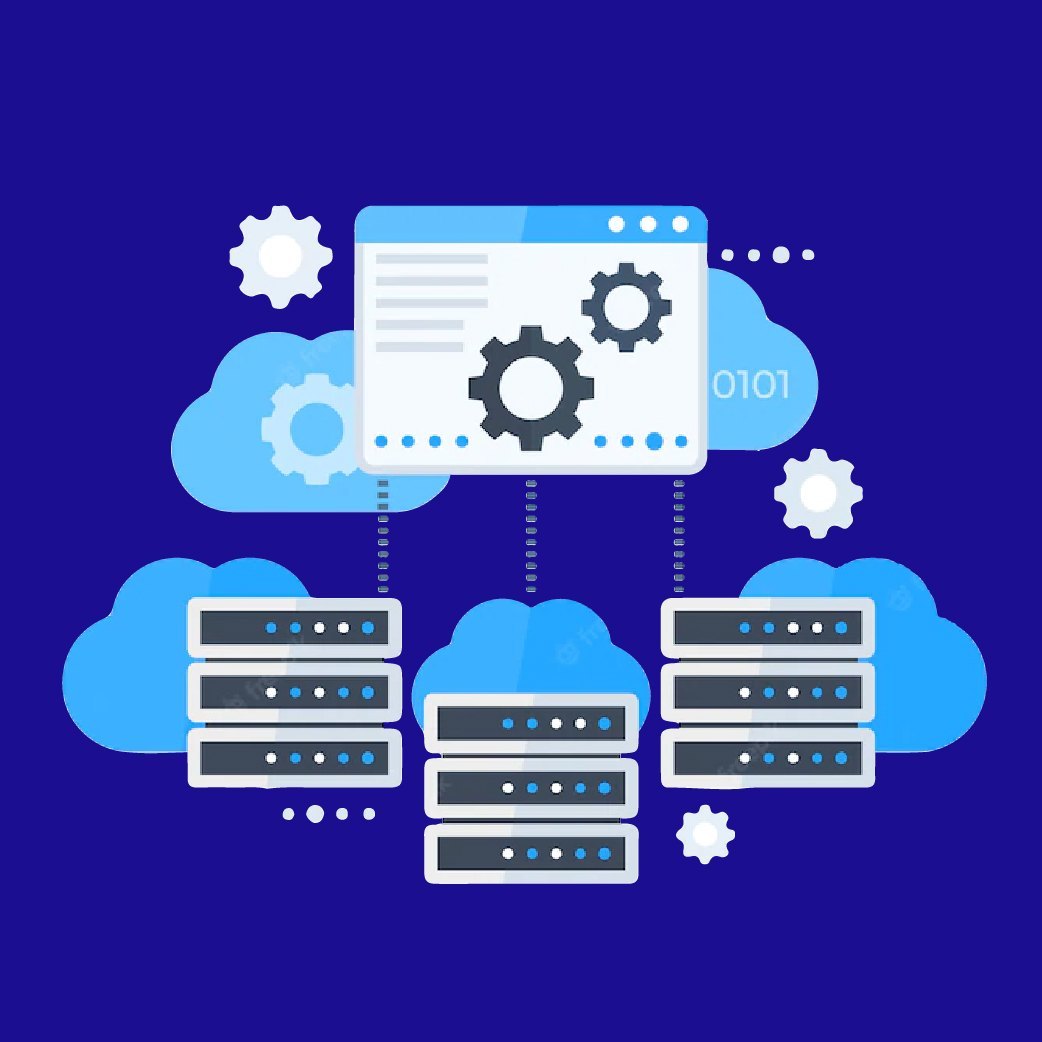
Gama Infotech’s Multi-Tenant PBX System operates on a robust cloud-based shared infrastructure, enabling multiple organizations to run their communication systems on a single platform while maintaining complete privacy and separation. Each tenant is provided with an independent and secure environment where all call data, configurations, and user activities remain fully isolated.
Service providers and resellers can efficiently control and monitor the entire system through a centralized management panel. This allows easy allocation of resources, customization of features, and management of user roles, extensions, and permissions for each individual client — all from one place.
The platform supports multiple business domains within a single application, making it ideal for managing diverse clients under one system. Incoming calls are intelligently routed to the appropriate extensions across IP phones, softphones, or mobile devices, ensuring seamless connectivity.
With Gama Infotech’s integrated mobile and web applications, users gain complete flexibility to communicate from anywhere. The system supports voice calls, video communication, instant messaging, and team collaboration tools, enabling smooth internal and external communication.
Additionally, smart call handling features such as call forwarding, failover routing, and availability-based call transfer ensure that no business call goes unanswered. Whether users are in the office or on the move, they can always stay connected using their official business number.
Call Barge
- Listen into an active call from another extension
Call Announced Transfer
- Transfer the active call to another internal or external call. Also known as a warm transfer
Follow Me
- Allows calling multiple extensions or external numbers
Call Block
- Block inbound calls by the caller id
Call Broadcast
- Create a recording and select one or more groups to have the system call and play the recording
Call Center
- Creates a robust call center environment with agent tiers
Call Detail Records
- Various reporting capabilities to see who called, when, call length, export to a csv file, and call detail statistics.
Call Flows (Day Night Mode)
- Typically used with day night mode. To direct calls between two destinations. Can work with BLF on phone to show which direction call will be directed to.
Call Forward
- Forward to another extension or to any phone number
Call Monitoring
- View which extensions are currently in a call. (see Active Extensions)
Call Pickup
- For a particular extension or any extension that is currently ringing
Call Queues
- Load calls into queues so they can be answered in the order they came into the queue
Call Recordings
- Record all or some calls or parts of the call
Call Routing
- Send the call different directions or perform actions based on reading the caller id info or other call information
Call Transfer
- Transfer a call on another extension
Call Waiting
- A beep while on a call and to toggle between two different calls
Caller ID
- Set Caller id as per you or its also support as per your providers
Conference Call
- Set up voice and video conference calls, is optionally secure with a PIN number, and can transfer current calls to a conference. Interactive conference control provides ability to see the list of callers in the conference and manage the volume, see who is talking, kick, mute, unmute, deaf, un-deaf, profiles and controls.
Conference Center
- Unlimited conference rooms with moderator and participants, pin numbers, call recording, mute all, caller announce and more.
Dialplan Manager
- The dialplan is used to setup call destinations based on conditions and context. You can use the dialplan to send calls to gateways, auto attendants, external numbers, to scripts, or any destination.
Do Not Disturb (DND)
- Direct calls to voicemail by default however there is an option when using do not disturb to send the call to an alternative destination.
Extensions
- Create extensions for phones to register to and an option to receive emails on missed calls.
Extension Summary
- Summary of extension activity per domain such as missed calls, answered calls, no answer, inbound duration, outbound duration, number of outbound calls, number of inbound calls and Average length of Conversation (ALOC). The summarized information can be downloaded as a CSV file
Gateways
- Gateways provide access into other voice networks. These can be voice providers or other systems that require SIP registration
Inbound and Outbound Call Routing
- Routes used to receive or send calls in or out of PBX.
IVR Menus (Auto Attendant)
- Create a structured interactive voice prompt for callers to use
Music on Hold
- Allows multiple categories of music on hold that can be set globally or per domain. Can inject additional audio on intervals such as ‘Your call is very important to us please stand by.
Operator Panel
- A virtual panel that agents can drag and drop transfer calls. Adjust call state from available, on break, do not disturb and logged out.
Call Parking
- Send a call to an unused “park” extension. The caller listens to music on hold until another extension connects to the call
Ring Groups
- Make one extension ring several extensions and an option to receive emails on missed calls
User and Group Management
- Edit, change or add users of all permission levels
Time Conditions
- A extension that can be timed to route calls based on domain select, global option, move to other domains, and holiday presets
Voicemail
- Has ability to copy voicemails for other voicemail boxes when receiving a voicemail. Additional features include voicemail to email and voicemail IVR. Forward add intro, check box for multi-delete
Hardware Requirements
- Intel Core i5 Processor /32 Gb RAM/1 TB HDD
Software Requirements:
- Debian 12.x (complete installation)
Carrier:
- Carrier which supports SIP calls, g711, g723 and g729 codecs.
Pre-installation Considerations:
Here is some information that we think is worth knowing prior to installing the Gama Multi-Tenant PBX System.
- Debian server should be on public IP.
- SSL Certificate should be install on the Debian server
Internet connection:
The use of a 1Gbit Ethernet card is a prerequisite for Gama Multi-Tenant PBX System with good broadband internet connection .
Installation:
Gama requires remote access of server for installation. The installation of “Gama Multi-Tenant PBX System” will be done by SSH connection on Debian server. Its installation requires internet facility and the time taken for its set up mainly depends on the nature and amount of customization to be done and the nature of service provider’s infrastructure. Our competent and reliable force of engineers renders spectacular services in solving every bit of installation related problem.