
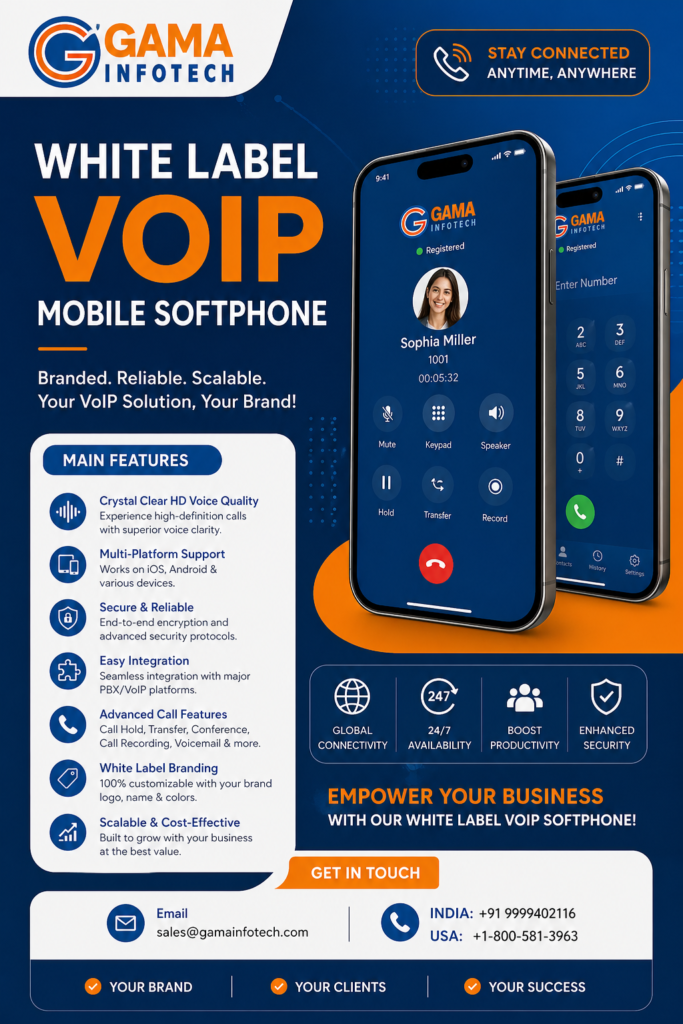
If you run a VoIP business, you already know the awkward truth.
Your customers want a mobile app. A real one. Not a web dialer. Not “use the phone’s native dialer and we’ll forward it.” They want an app that looks like your brand, logs calls, shows caller ID properly, supports push notifications, and basically just works.
And you want the same thing. Because every time a customer asks, “Do you have an iPhone app?”, you can feel the churn probability rise by a few percent.
So this is the post I wish I had when I first started looking into a white label VoIP mobile softphone. The kind that carriers and service providers can ship under their own name, without building an entire mobile engineering team from scratch.
Let’s break it down. What it is, what it needs to do, what usually goes wrong, and how to choose something you can actually sell confidently.
What “white label VoIP mobile softphone” really means (in practice)
On paper, it sounds simple:
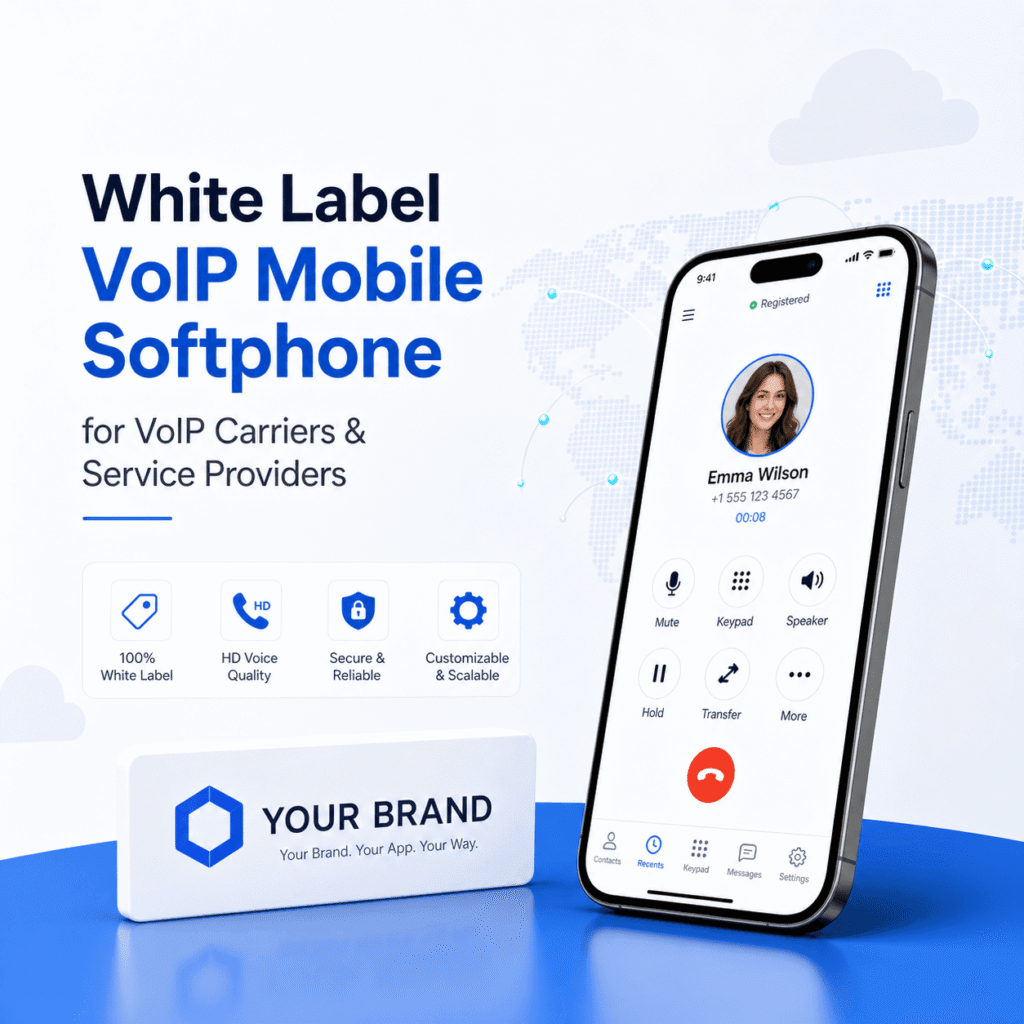
A mobile softphone app, branded as your company, that connects to your VoIP platform.
In practice, white label means more than a logo swap.
A true white label softphone usually includes:
- Your brand in the app store listing (publisher name, screenshots, app title)
- Your colors, icons, splash screen, and basic UI theme
- Your backend configuration (SIP domain, STUN/TURN/ICE behavior if needed, push proxy, codecs, etc.)
- Your customer flows like login, provisioning, password reset, maybe even in app billing or plan info
- Your support footprint (FAQ links, ticket links, diagnostics you can request from users)
And then there’s the unsexy part: who maintains it when Apple changes something, when Android breaks background behavior again, when push tokens expire, when a new device kills your audio routing.
That’s why this market exists in the first place. Because building a softphone is not just “make calls over SIP.” It’s years of edge cases.
Why carriers and VoIP providers go white label instead of building their own
You can build your own. Plenty of teams try.
But most providers eventually hit the same wall:
1. Call reliability is a product, not a feature
You can have a beautiful app, perfect onboarding, great branding, and still lose customers if:
- calls don’t ring reliably
- audio is one way
- Bluetooth is flaky
- call pickup takes 2 seconds too long
- the app stops receiving calls after a day because the OS put it to sleep
Users don’t say “your SIP registration timer seems off.” They say “your service is bad.”
2. Push notifications and background calling are a minefield
On mobile, you don’t get to stay connected forever like desktop.
So you end up needing:
- push notification integration
- an approach that works across iOS and Android
- careful handling of “incoming call” UX
- battery friendly registration logic
And iOS in particular is strict. If your incoming calling experience isn’t aligned with how Apple expects it to behave, you’ll feel it. Reviews. Support tickets. Failed expectations.
3. Ongoing maintenance is the real cost
The first version is expensive. The next 20 versions are what drain you.
New OS releases, new device audio behavior, new privacy rules, changes in network policies. It doesn’t stop.
With white label, you’re paying for a moving product. Not a one time deliverable.
4. Speed to market actually matters
If you sell VoIP service to SMBs, call centers, field teams, or remote staff, the mobile app is part of the buying decision.
Sometimes it’s the deciding factor.
And if your competitor has a clean branded app and you have “we can offer a web dialer”, you’re going to lose deals you should have won.
The minimum feature set you should demand (even if you’re “keeping it simple”)
A lot of white label softphones look good in screenshots. Then you ship it and realize the basics are missing.
Here’s what I’d consider the baseline for a carrier grade mobile softphone.
Core calling and identity features
- SIP calling with stable registration behavior
- Outbound caller ID control (where allowed)
- Contact integration (device contacts, search, click to call)
- Call history with direction, duration, status
- Favorites / speed dial (simple but users love it)
- DTMF that works in real IVRs, not just in demos
“If you don’t have this, expect pain” features
- Push notifications for inbound calls
- CallKit support on iOS (so incoming calls behave like native calls)
- Proper Bluetooth routing (car audio, headsets)
- Network change handling (WiFi to LTE, captive portals, office VPN weirdness)
- Battery friendly background behavior
Business features that service providers sell around
Depending on your market, you might need:
- Multiple lines / accounts (or at least multiple extensions)
- Presence and status (available, DND)
- Call recording (and a clean story around storage and consent)
- Voicemail with playback and message indicators
- SMS / MMS (huge for SMB, but it adds complexity)
- Secure calling (TLS/SRTP) if you sell to regulated industries
- QR code provisioning (one of the best onboarding upgrades you can make)
Admin and diagnostics features (these save your support team)
This is where a “carrier friendly” app separates itself from a generic softphone.
Look for:
- debug log export (with user consent)
- network test tools (latency, jitter estimates, codec negotiation results)
- SIP trace capture options (even limited ones)
- device and OS metadata attached to tickets
- remote provisioning so you are not walking users through settings screens
If the vendor can’t explain how you troubleshoot real world issues, that’s a red flag. Because you will have real world issues.
Provisioning models: how users actually get into the app
Provisioning is the first impression. And it’s where so many white label apps quietly fail.
The common models:
Username and password
Simple, but support heavy. Users forget passwords, mistype domains, and you end up with long tickets.
Email OTP / magic link
Great UX if implemented well. But it requires tight backend integration.
QR code provisioning
This is the sweet spot for a lot of providers.
You generate a QR code inside your customer portal. The user scans it. Done.
It reduces setup time from 10 minutes to 30 seconds and cuts support volume. If you only upgrade one thing in onboarding, do this.
Auto provisioning via MDM for enterprise customers
If you sell to bigger teams, MDM support is a serious advantage. It’s not always required, but when a buyer asks for it, they usually really mean it.
SIP, WebRTC, or “hybrid” on mobile?
Most carrier grade white label softphones are SIP based on mobile, because SIP is still what most VoIP platforms speak for voice.
But you might see:
- SIP with push (common)
- WebRTC wrapped in a mobile shell (sometimes easier for NAT traversal, but can be tricky for native call UX)
- Hybrid stacks depending on network conditions
You don’t need to become religious about it. What you need is predictable performance for your customer base.
So ask the vendor:
- What’s the media engine?
- How do they handle NAT traversal?
- Do they support STUN and TURN?
- Which codecs are supported and can you control them?
- How do they behave on poor mobile networks?
If they answer vaguely, assume you’ll be learning the hard way.
Branding: what you can change, and what you usually can’t
White label branding ranges from “we’ll change the logo” to “we’ll build you a custom UI”.
Most providers end up in the middle. You want enough branding so customers feel like it’s yours, but not so much customization that updates become slow and expensive.
Typically easy to customize:
- app name
- app icon
- splash screen
- primary colors and accents
- support links
- terms and privacy URLs
Sometimes possible, sometimes not:
- layout changes
- changing navigation structure
- deeply custom call screens
- custom onboarding flows
- feature toggles by plan level
One practical approach is to treat the app like a product line.
A standard build for most customers, then feature toggles you can turn on for premium plans. Recording, SMS, multiple lines, call transfer, whatever fits your pricing.
The “carrier and service provider” requirements people forget to ask about
This is the stuff that matters once you have 1,000 users. Or 10,000.
Multi tenant support
If you serve multiple resellers, brands, or enterprise customers, you might need:
- different SIP realms
- different provisioning endpoints
- different feature flags
- different app themes, possibly even separate app store packages
Some vendors handle this well. Some do not. Clarify early.
App store ownership and publishing
Who publishes the app?
Options usually are:
- Vendor publishes it under their developer account and you get branding.
- You publish it under your developer account with their build.
From a control and trust standpoint, publishing under your own accounts is cleaner. But it comes with responsibilities, certificates, compliance, store policies.
Ask who owns:
- Apple developer account listing
- Android package name
- push certificates and keys
- update timelines and release approvals
Push infrastructure ownership
Push calling is not just an app feature. It’s infrastructure.
There is usually a push gateway somewhere that wakes the app for inbound calls.
Ask:
- Where is it hosted?
- Is it shared or dedicated?
- What is the SLA?
- What happens if the push gateway goes down?
- Can you get status visibility?
If inbound calls depend on push and push depends on the vendor and the vendor has an outage, your brand takes the hit.
Security and compliance basics
Even if you’re not in healthcare or finance, customers ask questions now.
At minimum you want:
- TLS for SIP signaling (where supported)
- SRTP for media (where supported)
- secure storage of credentials on device
- a clear privacy policy and data handling statement
- the ability to wipe tokens or revoke sessions
Also, if call recordings or chat logs are involved, you need a real story around retention and access controls.
Integration with your platform: the big question
A white label softphone can be:
- a SIP client you point at your PBX or softswitch
- a tightly integrated app that talks to your provisioning API, billing, CRM, call logs
If you’re a carrier or service provider, you probably want at least some integration, because you want to control the user lifecycle.
Common integrations include:
- provisioning API to generate credentials or tokens
- user status and presence sync
- CDR and call history sync
- voicemail sync
- number inventory and outbound caller ID selection
- SMS integration with your messaging provider
- in app support chat or ticketing hooks
The best setup is the one that reduces support and makes the service feel unified. Like it’s one product, not “an app plus a backend.”
Pricing models you’ll run into (and how to think about them)
White label softphone vendors price in a few typical ways:
- Per active user per month (common, scales with your business)
- Per registered user (watch this if you have lots of dormant accounts)
- Per branded app plus usage fees
- One time setup fee plus monthly maintenance
- Revenue share (less common but it exists)
A practical way to evaluate cost is to tie it to churn and support.
If the app reduces churn by even a small amount, it can justify a meaningful monthly fee. Same with support volume. If you’re paying people to troubleshoot ringing issues all day, an app that just behaves can be cheaper overall even if the license looks “expensive.”
Also ask about:
- minimum monthly commitments
- overage pricing
- whether push infrastructure costs extra
- whether updates are included or billed as “projects”
What usually goes wrong after you launch (so you can plan for it)
Even with a strong vendor, expect a few recurring realities.
1. Device specific audio issues
One Android phone model does something weird with the microphone. Someone’s car Bluetooth routes audio wrong. A headset works for music but not for calls.
It happens. Your job is to make sure the vendor has a process for it. And that you can collect logs cleanly.
2. Customers expect “native phone” behavior
They want the keypad on lock screen. They want recent calls to show up. They want the same feeling as a normal call.
On iOS, CallKit helps a lot. Without it, the app feels second class.
3. Push timing and missed calls
Push calling is good, but it’s not magic.
If a user has low signal, or background restrictions, or has disabled notifications, inbound calling can degrade.
A good softphone guides the user through permissions properly and can detect misconfiguration. A bad one just fails silently, then you get the angry email.
4. App store reviews become your new reputation layer
You might have a great network and great support, but a few one star reviews saying “doesn’t ring” can hurt sales.
Plan for a review response process, and work with a vendor that can patch quickly when something breaks.
How to choose a white label softphone vendor without getting stuck
Here’s a simple checklist. Not perfect, but it catches most bad fits.
Ask for a live demo with real call scenarios
Not just screen sharing.
Ask them to show:
- inbound call while the phone is locked
- inbound call after the app was killed or idle
- switching between WiFi and LTE mid call
- Bluetooth headset call pickup
- DTMF through an IVR
If they can’t demonstrate, that’s information.
Get clarity on update cadence
- How often do they release updates?
- Do you get them automatically?
- Can you delay updates if you want to test?
- How do urgent hotfixes work?
Mobile OS changes can force updates. You want a vendor that reacts fast.
Confirm provisioning and multi tenant needs
If you are a wholesaler or have resellers, ask specifically:
- Can one app support multiple brands or tenants?
- Do we need separate app store packages?
- Can we manage feature flags per tenant?
Review support model and escalation
- Do you get a dedicated support channel?
- What are response times?
- Can you talk to engineers when things get tricky?
- Do they provide a knowledge base you can rebrand?
You will need support. So judge it upfront.
Request references from similar providers
Not “a startup using it internally.”
Ask for references from:
- VoIP carriers
- ITSPs
- UCaaS providers
- SIP trunking companies that also offer softphone users
Different environment, different pressure.
A realistic rollout plan (so you don’t create chaos)
When launching a white label softphone to an existing customer base, it’s crucial to avoid overwhelming them with a sudden rollout on day one.
A sensible rollout strategy should include the following steps:
- Internal testing with your support and sales team using real devices and networks.
- Beta group of friendly customers, ideally spanning different regions and carriers to gather diverse feedback.
- Soft launch to new signups first, allowing you to control the scale of the rollout.
- Full rollout with clear onboarding docs, QR provisioning if feasible, and a troubleshooting page.
It’s also essential to update your support scripts, providing agents with a flowchart for the top 10 issues. This foresight will prove beneficial in the long run.
The bottom line
A white label VoIP mobile softphone can significantly enhance the offerings of a VoIP carrier or service provider. It transforms your service into something tangible for customers – an application they interact with daily, which in turn boosts retention.
However, it’s vital to view the softphone as an integral part of your core product rather than a peripheral application.
Don’t shy away from demanding the essential aspects: prioritize reliability, CallKit integration, logs management, provisioning efficiency, maintenance, and support processes. While branding holds significance, functionality is paramount.
If you wish, share details about your current platform (Asterisk, FreeSWITCH, BroadSoft, Metaswitch, Kamailio, custom SBC stack etc.) and whether you require additional features like SMS, recording, or multi-tenancy. I can help outline a more precise requirements list that you can provide to vendors to streamline the process.
For a smoother transition and adoption of the new softphone among users, consider implementing an adoption playbook. This resource can provide valuable strategies and insights for ensuring successful user adoption of your new product.
FAQs (Frequently Asked Questions)
What does a true white label VoIP mobile softphone include beyond just branding?
A true white label VoIP mobile softphone includes your brand in the app store listing, your colors, icons, splash screen, and UI theme, backend configuration like SIP domain and codecs, customized customer flows such as login and provisioning, and your support footprint including FAQ links and diagnostics tools.
Why do carriers and VoIP providers prefer white label softphones over building their own apps?
Building a reliable softphone is complex due to factors like call reliability requiring constant attention, push notification integration challenges across iOS and Android, ongoing maintenance costs for OS updates and device compatibility, and the need for quick market deployment to stay competitive.
What are the minimum essential features every carrier-grade white label VoIP mobile softphone should have?
Essential features include stable SIP calling with registration, outbound caller ID control, contact integration with device contacts and click-to-call, call history with details, favorites or speed dial functionality, DTMF support for IVRs, push notifications for inbound calls, CallKit support on iOS, proper Bluetooth routing, network change handling, and battery-friendly background behavior.
What additional business features might be necessary depending on the target market for a white label softphone?
Depending on your market needs, you might require multiple lines or extensions support, presence and status indicators (like available or Do Not Disturb), call recording with consent management, voicemail with playback features, SMS/MMS capabilities especially for SMBs, secure calling using TLS/SRTP for regulated industries, and QR code provisioning to simplify onboarding.
How does a carrier-friendly white label softphone assist in reducing support issues?
Carrier-friendly apps provide admin and diagnostic features such as debug log export with user consent, network test tools measuring latency and jitter, SIP trace capture options even if limited, and collection of device and OS metadata. These tools help support teams quickly diagnose problems without burdening the end user.
Why is having a branded mobile app critical for VoIP providers in retaining customers?
Customers expect a real branded mobile app that logs calls properly, shows correct caller ID, supports push notifications, and offers seamless usability. Without it—if only a web dialer or native phone forwarding is offered—customer churn probability increases because users perceive service quality as poor. A strong branded app can be a decisive factor in winning deals against competitors.